Launch offer: start a plan and use code WELCOME20 for CAD 20 creditFor new customers who start with a paid plan. One per company. Not combinable with a free trial. See Terms.
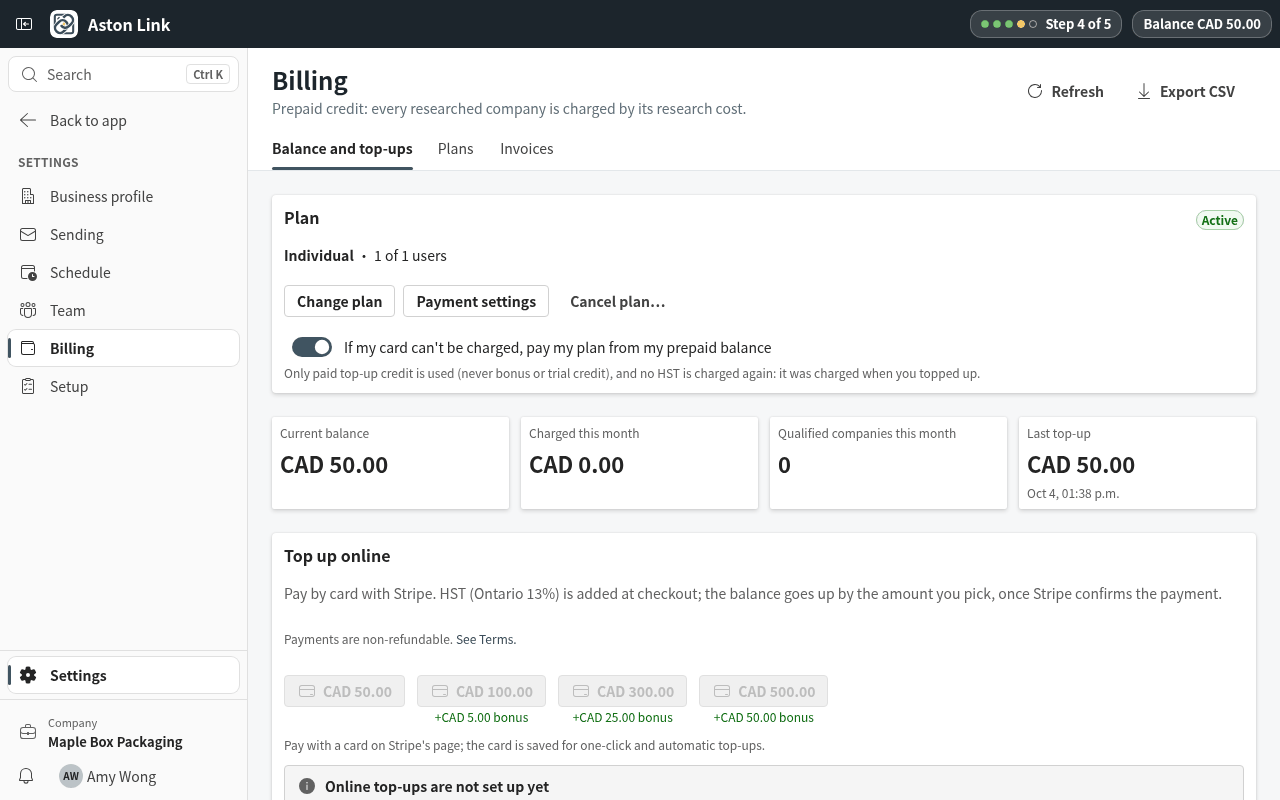
Finding and researching companies and writing emails use prepaid credit. Your balance is always at the top right.
Step 1: Open Settings › Billing. Current balance shows what is left. Next to it: what was charged this month, how many companies qualified, and your last top-up.
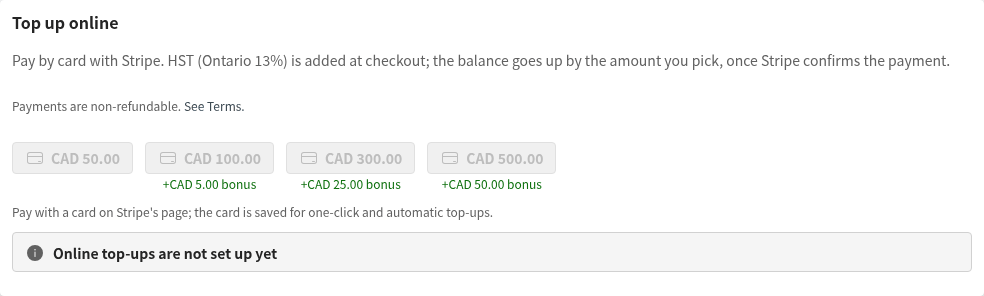
Step 2: To top up, pick an amount under Top up online and pay by card. Larger top-ups come with a bonus. The daily and monthly spending limits are on the same page.