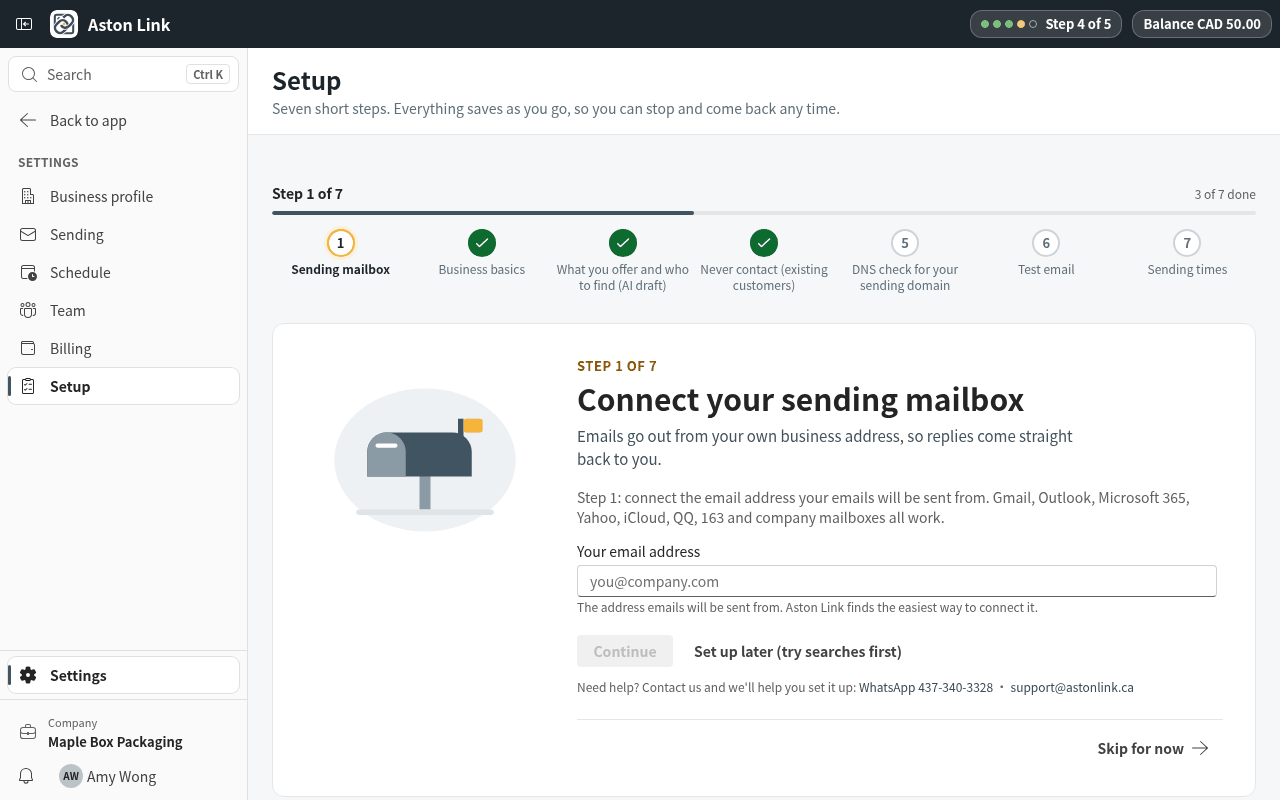
5. Copy an email or connect your mailbox
Send the emails from your own address. You can copy each email into Gmail or Outlook yourself, or connect your mailbox so Aston Link sends the emails you approve and shows you the replies.
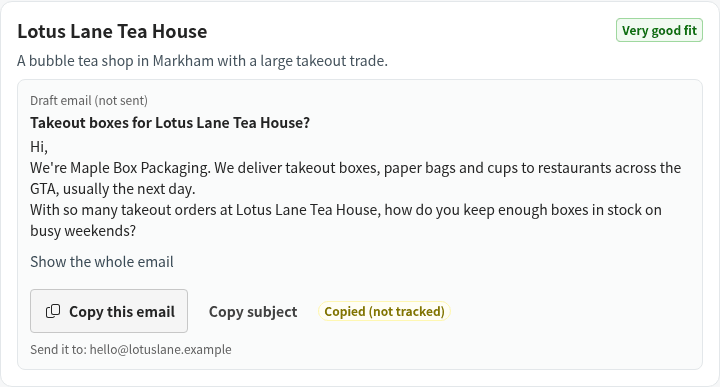
Step 1: Press Copy this email, then paste it into a new email in your Gmail or Outlook. The unsubscribe line stays at the bottom: keep it. Copied emails are marked Copied (not tracked).
Step 2: Or press Connect your mailbox to send. Enter your work email: Aston Link finds the right way to connect it. Step-by-step guides for each email provider are in the mailbox guides. Mailbox guides