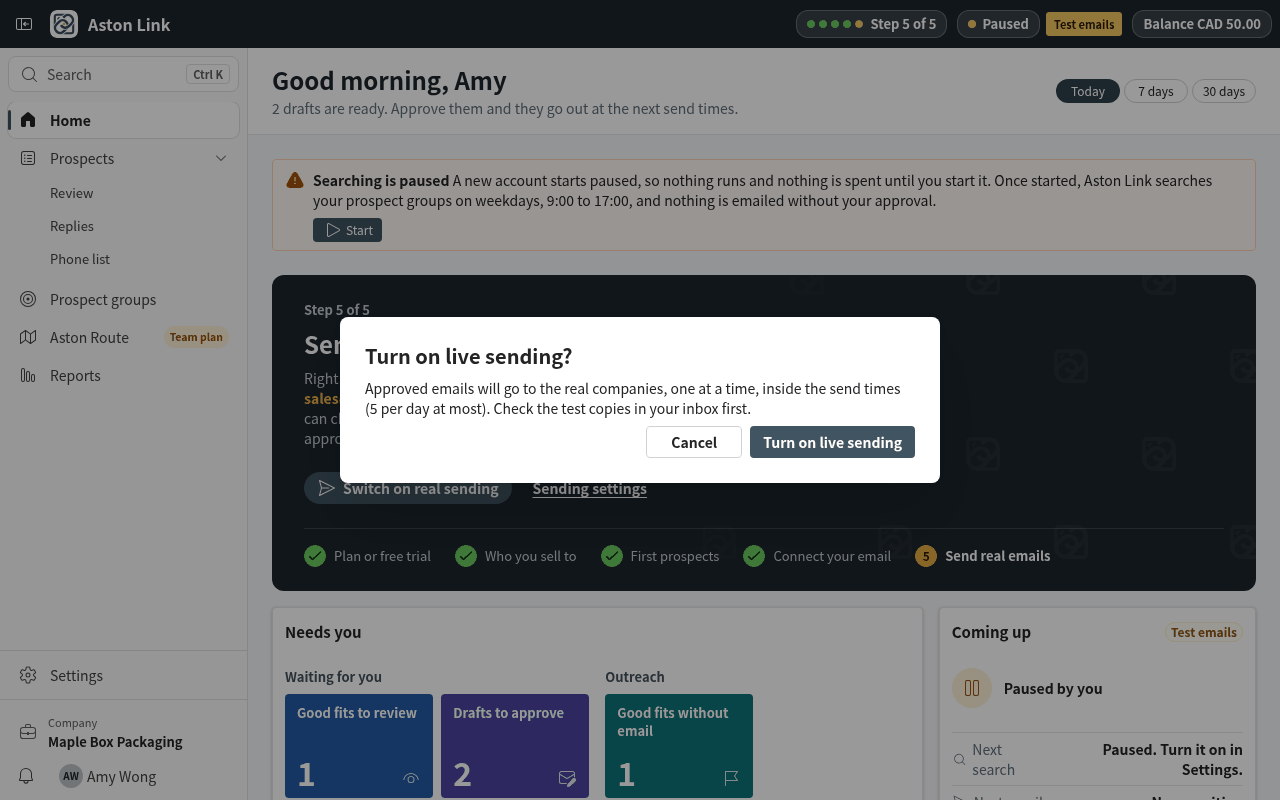
6. Switch on real sending
Until you switch on real sending, every approved email goes only to your own test address, so you can check it safely.
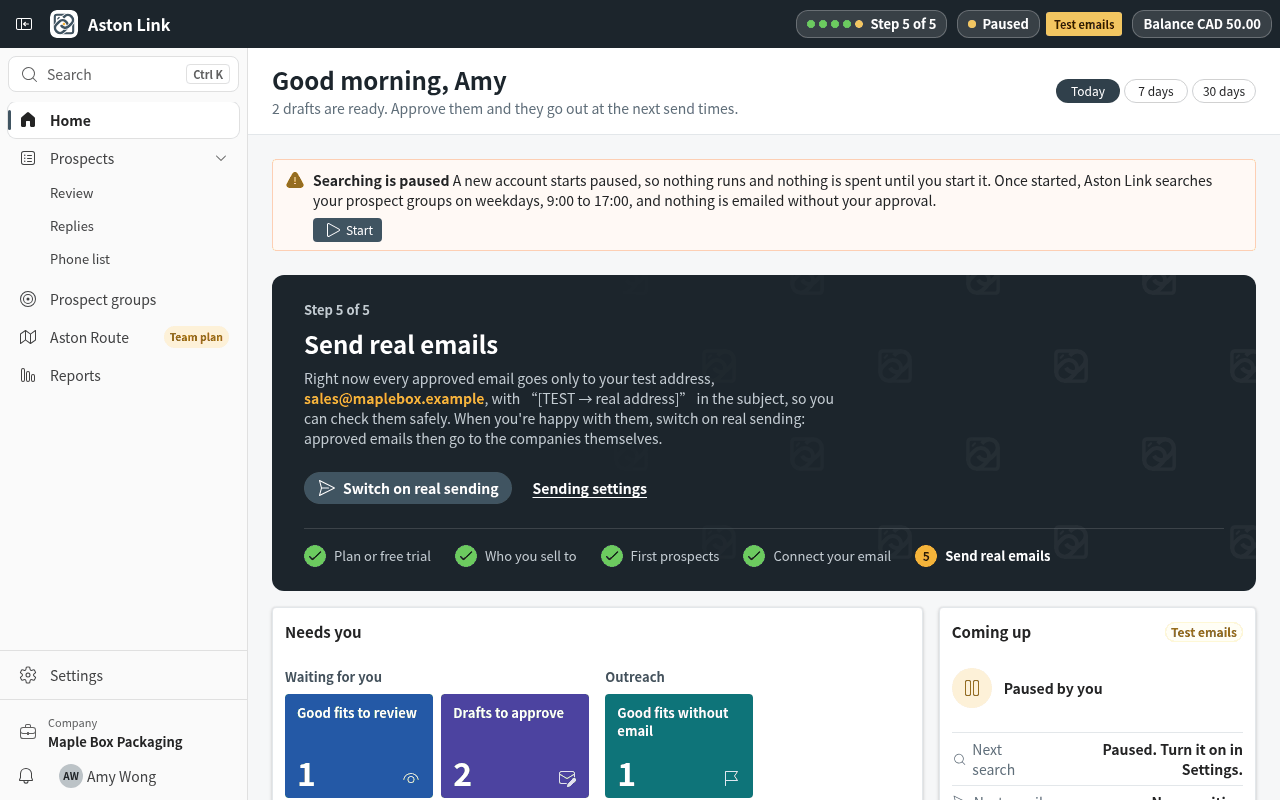
Step 1: When you're happy with the test emails, press Switch on real sending on Home. Anything still missing (for example the mailbox) is listed above the button.
Step 2: Confirm. From now on, approved emails go to the companies themselves, inside your sending times and daily limit. You can go back to test mode at any time in Settings › Sending.